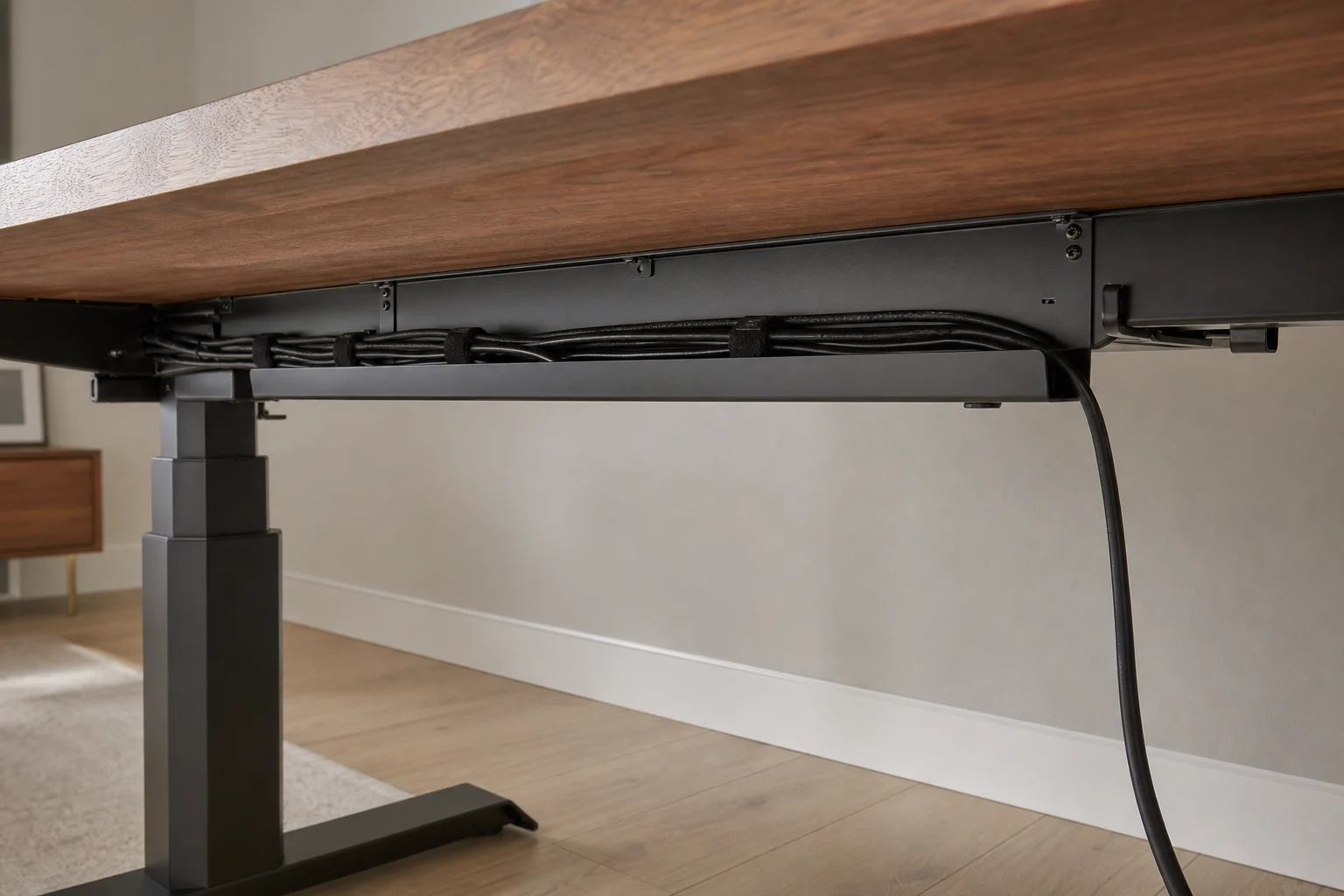
Cable management

One visible cable.
That’s the goal.

A simple, serviceable system that moves with the desk and does not turn every hardware change into a project.

Neatly routed cables beneath a sit-stand home-office desk
01 / ROUTE

Think in one power spine.

Mount one quality power strip under the desktop. Plug desk devices into it, gather excess cable in a tray, and route only the strip’s power lead to the wall.

Devices
Desk tray
Power strip
Wall

This keeps charging bricks and most cable length off the floor. Leave the strip’s switch reachable, and never exceed its rated load.

02 / MOVE

Design for the highest desk position.

A sit–stand desk needs enough slack to rise without pulling plugs, but not a hanging loop that catches your legs.

  • 01Raise the desk fully before fixing the wall-side lead.
  • 02Create a soft service loop near the rear leg.
  • 03Test the full movement twice while watching every connection.
03 / MAINTAIN

Velcro beats commitment.

Use reusable hook-and-loop ties for bundles, clips for direction changes, and labels at both ends of unfamiliar cables. Avoid permanent adhesives on anything you may upgrade.

Reusable tiesUnder-desk trayAdhesive clipsCable labels

Your desk, worked out

Add a clean cable route to your Deskprint.

Create my Deskprint