Ergonomics, made human

Comfort is a
moving target.

A good setup supports your body. A great one makes it easy to change position before your body asks.

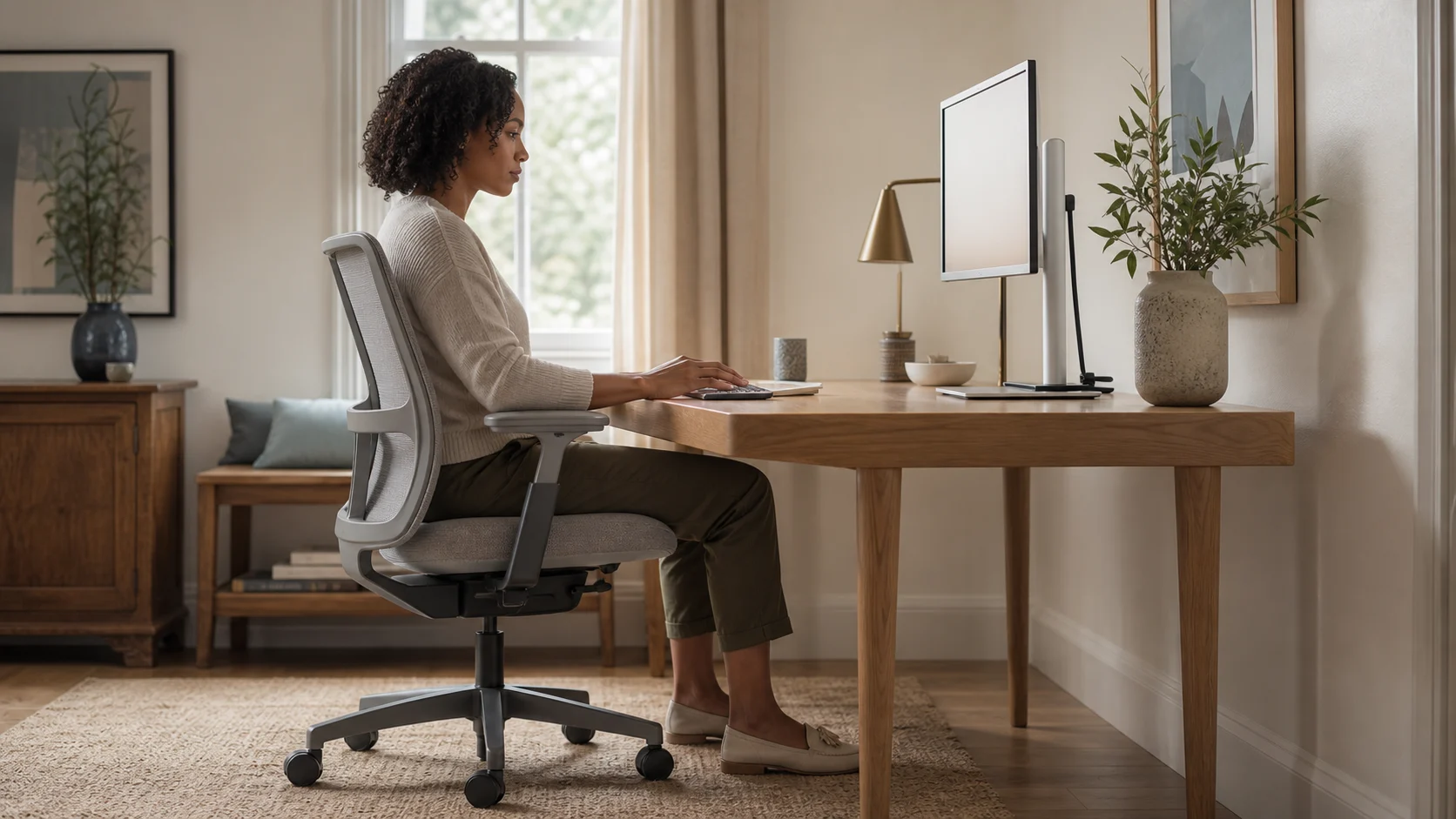
A person working comfortably at a well-adjusted home-office desk
01 / RESET

Build from the floor up.

Forget perfect posture. Aim for a neutral, supported starting position, then move often. Use this five-minute reset whenever something feels off.

  1. 1

    Plant your feet

    Feet flat on the floor or a stable footrest. Keep knees around hip height, with no pressure behind them.

  2. 2

    Let the chair carry you

    Sit back so the backrest supports your lower back. Leave a small gap behind your knees.

  3. 3

    Bring the desk to your elbows

    Relax your shoulders. Set the working surface so forearms rest close to parallel with the floor.

  4. 4

    Move the screen, not your neck

    Place the display about an arm’s length away, with its top around eye level or slightly lower.

The neutral starting point

Three right-ish angles.

Your elbows, hips, and knees usually feel best near 90–110 degrees. “Near” matters: comfort beats geometry.

Side view of a relaxed, supported working posture at a home-office desk
relaxed shoulders
supported feet
02 / MOVE

The best posture is the next one.

Standing is not an antidote to sitting. The useful habit is switching: lean back for reading, sit forward briefly for precise work, stand for calls, and walk between tasks.

20seconds

Look across the room every 20 minutes to relax your eyes.

30–45minutes

Change posture or stand before stiffness becomes a signal.

2–5minutes

Walk, stretch, or get water between focused blocks.

These are practical starting points, not medical advice. Persistent pain, numbness, or weakness deserves assessment by a qualified health professional.

Your desk, worked out

Get a working-height range based on you.

Create my Deskprint